
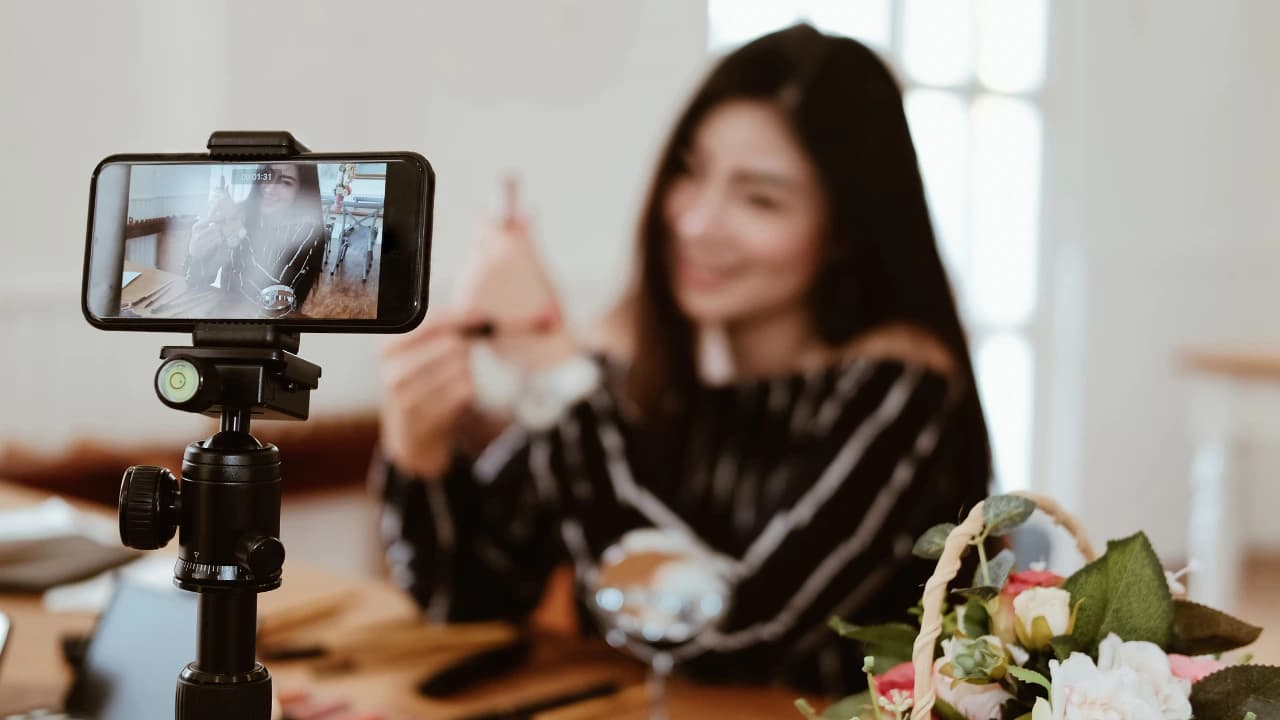
Creating content today is more competitive than ever. Viewers judge quality within seconds and poor video or weak audio can instantly reduce engagement. That is why choosing the best webcam and microphone setup for creators is no longer optional. It is a core part of building a professional online presence.
Whether you are a YouTuber streamer podcaster or online educator your camera and sound define your brand. A sharp image and clear voice can turn casual viewers into loyal followers. The good news is you do not need a massive budget to achieve studio level quality.
In this guide you will discover powerful setups tools and practical combinations that help creators build high quality content from home with confidence and clarity.
Why Webcam and Microphone Quailty Matters for Creators
Good content is not only about ideas. It is also about presentation. When viewers see clear video and hear clean audio they stay longer and trust the creator more.
First Impressions and Audience Retention
Your webcam is the first visual connection with your audience. A blurry image or poor lighting can make your content look unprofessional. Studies show that viewers decide within seconds whether to continue watching.
Key impact points:
Clear video builds trust instantly
Good audio increases watch time
Professional setup improves brand value
Better quality increases subscriber growth
Audio vs Video Importance in Content Growth
Many creators focus only on camera quality but audio is even more important. Viewers will tolerate average video but they will leave if sound is unclear.
Simple truth:
Audio is 50 percent of content experience
Video is first impression factor
Both together create strong engagement
Best Webcams for Content Creators
Choosing the right webcam depends on your budget and content type.
Entry Level Webcam Options
Entry level webcams are perfect for beginners starting YouTube or online classes.
Features:
1080p resolution
Built in microphone
Plug and play USB
Affordable price range
Best for:
Students
Beginners
Online meetings
Mid Range Webcam Choices
Mid range webcams offer better clarity and smoother frame rates.
Features:
1080p 60fps recording
Better low light performance
Autofocus support
Wider field of view
Best for:
YouTube creators
Streamers
Freelancers
Professional 4K Webcam Solutions
High end webcams deliver cinematic quality for serious creators.
Features:
4K ultra HD video
Advanced color correction
High frame rate
External mic support
Best for:
Professional YouTubers
Brand creators
Studio setups
Best Microphone Setups for Clear Audio
Audio quality defines professionalism more than anything else.
USB Microphones for Beginners
USB microphones are simple and powerful for new creators.
Benefits:
Easy plug and play setup
No external equipment needed
Clear voice recording
Budget friendly
Best use:
YouTube videos
Online teaching
Voiceovers
XLR Microphone Professional Setup
XLR microphones are used in professional studios.
You need:
Audio interface
XLR cable
Microphone stand
Benefits:
Studio quality sound
Better noise control
High customization
Podcast Level Audio Setup
Podcast creators need deep clean audio.
Setup includes:
Dynamic microphone
Pop filter
Acoustic treatment
Audio interface
Best for:
Podcasts
Interviews
Voice storytelling
Complete Creator Studio Setups
Here are full combinations for different creator types.
YouTube Creator Setup
Ideal setup:
Mid range webcam
USB condenser microphone
Ring light
Simple background
Result:
Clean video
Clear voice
Professional appearance
Streaming Setup for Twitch and Gaming
Ideal setup:
1080p 60fps webcam
Noise cancelling microphone
Dual monitor setup
RGB lighting
Result:
Engaging live streams
Clear communication
Strong audience interaction
Podcast Recording Setup
Ideal setup:
XLR microphone
Audio interface
Acoustic foam panels
Headphones
Result:
Studio quality sound
Professional podcast episodes
Clean voice clarity
Budget vs Premium Creator Gear Comparison
Affordable Starter Kits
For beginners:
Basic webcam
USB microphone
Desk lamp lighting
Advantages:
Low cost
Easy setup
Good starting quality
Advanced Professional Studio Setup
For serious creators:
4K webcam
XLR microphone system
Softbox lighting
Soundproof environment
Advantages:
Broadcast quality
High audience retention
Strong brand identity
Pro Tips for Better Audio and Video Quality
Lighting and Background Setup
Lighting improves video more than expensive cameras.
Tips:
Use natural light when possible
Place light in front not behind
Keep background clean
Use soft lighting for face clarity
Sound Treatment for Clean Audio
Clean audio requires control of environment.
Tips:
Record in quiet room
Use curtains or foam panels
Avoid echo spaces
Keep mic close to mouth
Conclusion
Choosing the best webcam and microphone setup for creators is a key step toward building a successful content career. High quality video and clear audio help you connect with your audience and build trust faster. Even simple setups can deliver professional results when used correctly with proper lighting and sound control.
You do not need expensive gear to start. What matters is smart selection and consistent improvement. As your content grows you can upgrade your equipment step by step. Focus on clarity performance and audience experience. With the right setup you can stand out in a crowded digital space and build a strong creator identity that lasts long term.
Frequently Asked Questions
A 1080p USB webcam with autofocus is best for beginners starting YouTube.
Yes external microphones improve audio quality significantly compared to built in mics.
Yes USB microphones are perfect for beginners and mid level streamers.
XLR microphones offer higher quality but USB microphones are easier to use.
Improve lighting clean background and adjust camera settings for better clarity.